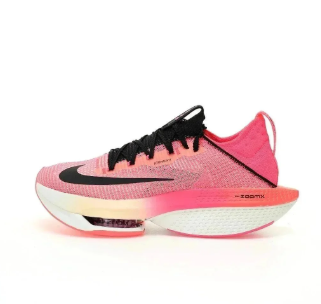
Shoes
Sneakers, slides, running shoes, and streetwear footwear finds.
Open UUVault search Reference spreadsheet UUVault
UUFinds spreadsheet
UUVault
UUFinds spreadsheet
UUFinds spreadsheet index
A curated UUVault spreadsheet hub for product categories, Taobao agent links, shopping-agent workflow facts, product search links, QC checks, and repeatable buying research.
Start with a product group, then open a focused UUVault category page or product search link for deeper browsing.
Sneakers, slides, running shoes, and streetwear footwear finds.
Open UUVault search Reference spreadsheet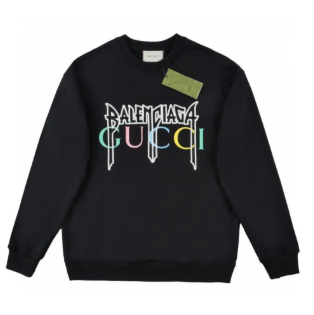
Pullovers, fleece pieces, zip hoodies, and colder-weather layers.
Open UUVault search Reference spreadsheet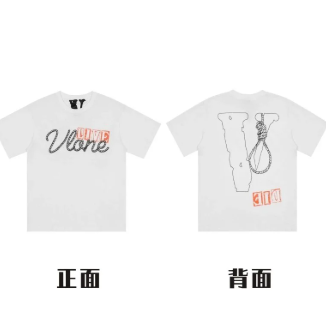
Graphic tees, blanks, logo shirts, jersey-style tops, and basics.
Open UUVault search Reference spreadsheet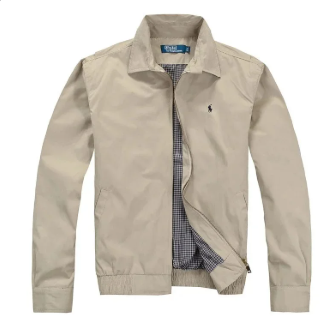
Outerwear, puffers, shells, track jackets, and seasonal layers.
Open UUVault search Reference spreadsheet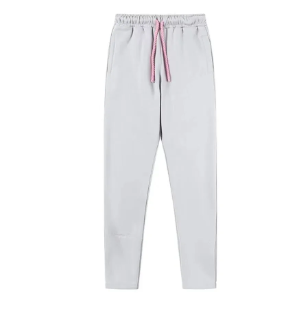
Cargos, denim, track pants, shorts, trousers, and casual bottoms.
Open UUVault search Reference spreadsheet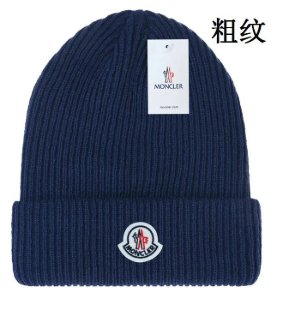
Caps, beanies, bucket hats, and small accessory-style finds.
Open UUVault search Reference spreadsheet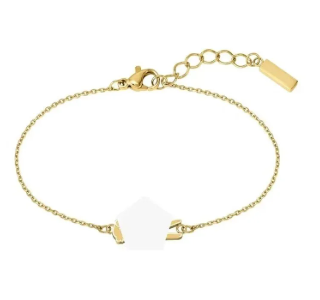
Belts, glasses, jewelry, small bags, and daily carry add-ons.
Open UUVault search Reference spreadsheet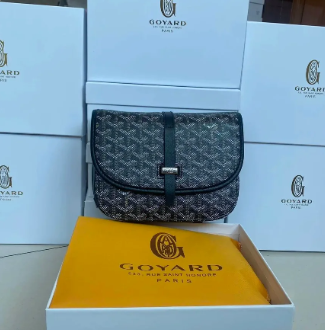
Backpacks, crossbody bags, totes, shoulder bags, and daily carry finds.
Open UUVault search Reference spreadsheet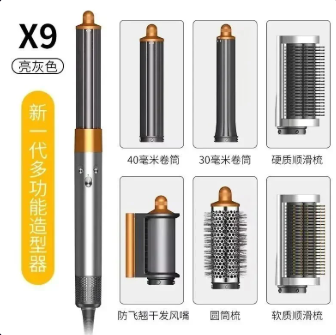
Gadgets, tech accessories, desk gear, and small device finds.
Open UUVault search Reference spreadsheet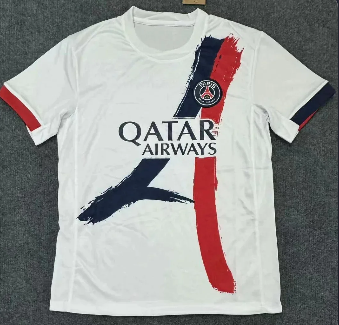
Sports jerseys, football shirts, basketball jerseys, mesh tops, and kits.
Open UUVault search Reference spreadsheet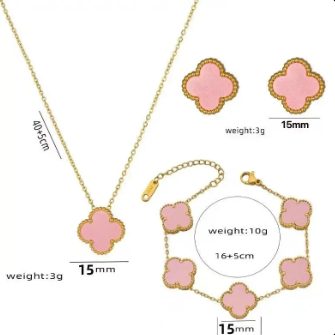
Fragrance finds, perfume bottles, samples, cologne, and scent gift sets.
Open UUVault search Reference spreadsheet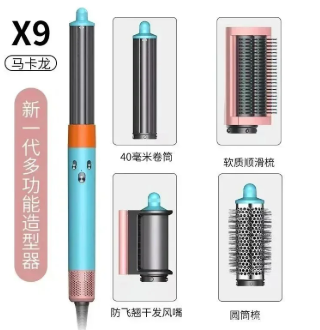
Mixed finds, extra product groups, gift ideas, and hard-to-classify links.
Open UUVault search Reference spreadsheetFresh MaisonLooks Streetstyle products added as concrete spreadsheet entries, with prices, product links, and QC-focused notes for faster comparison.
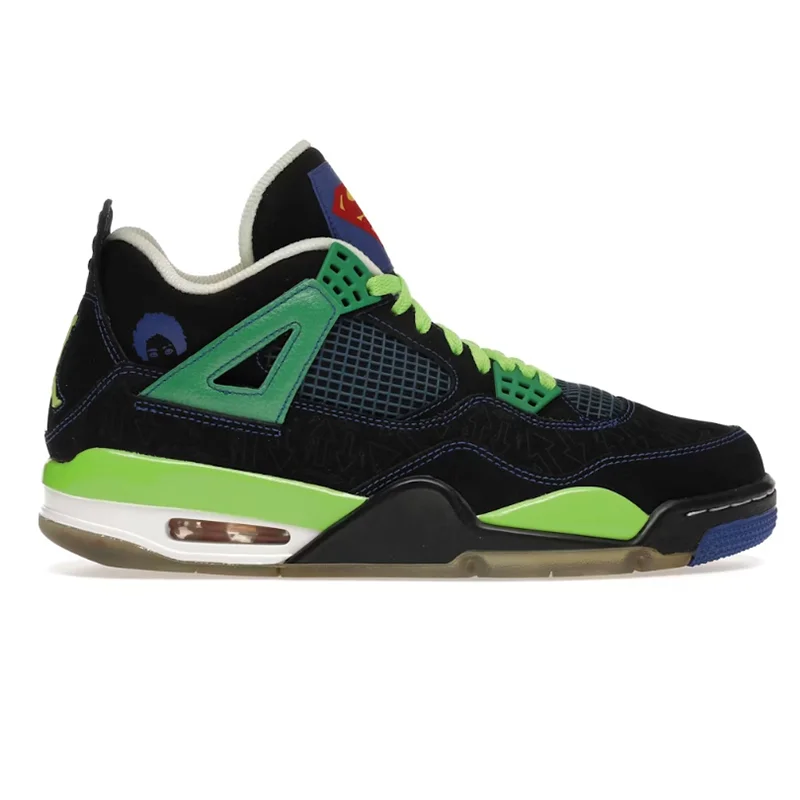
Black and green sneaker find with suede, mesh, visible heel unit, and tongue graphic details to verify in QC photos.
Nike Air Jordan 4 Super Mario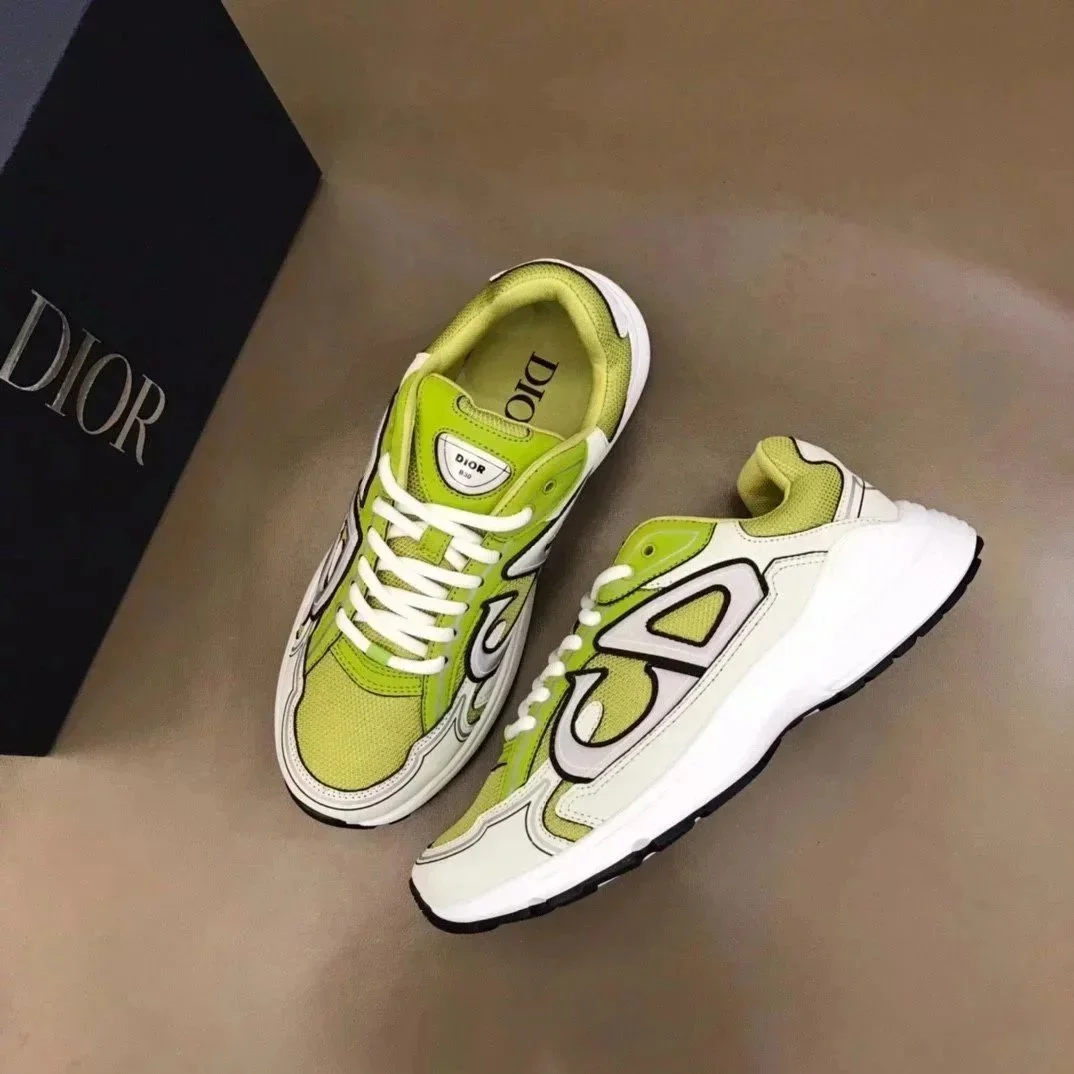
Lime green and white sneaker with sporty designer styling, useful for comparing color, logo placement, and material finish.
Dior lime green sneakers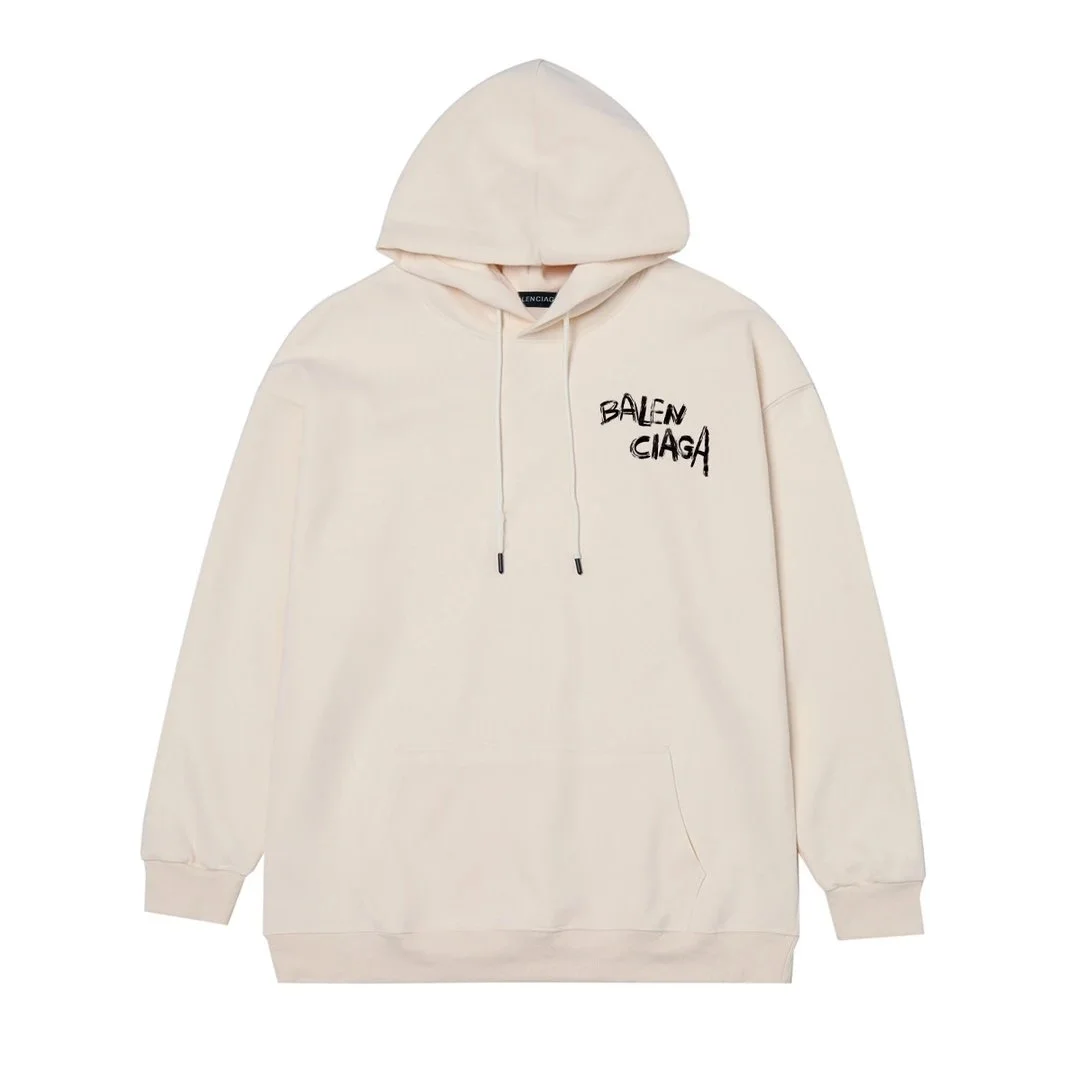
Beige oversized hoodie with chest print, drawstring hood, and front pocket; check print alignment and fabric color.
Balenciaga beige hoodie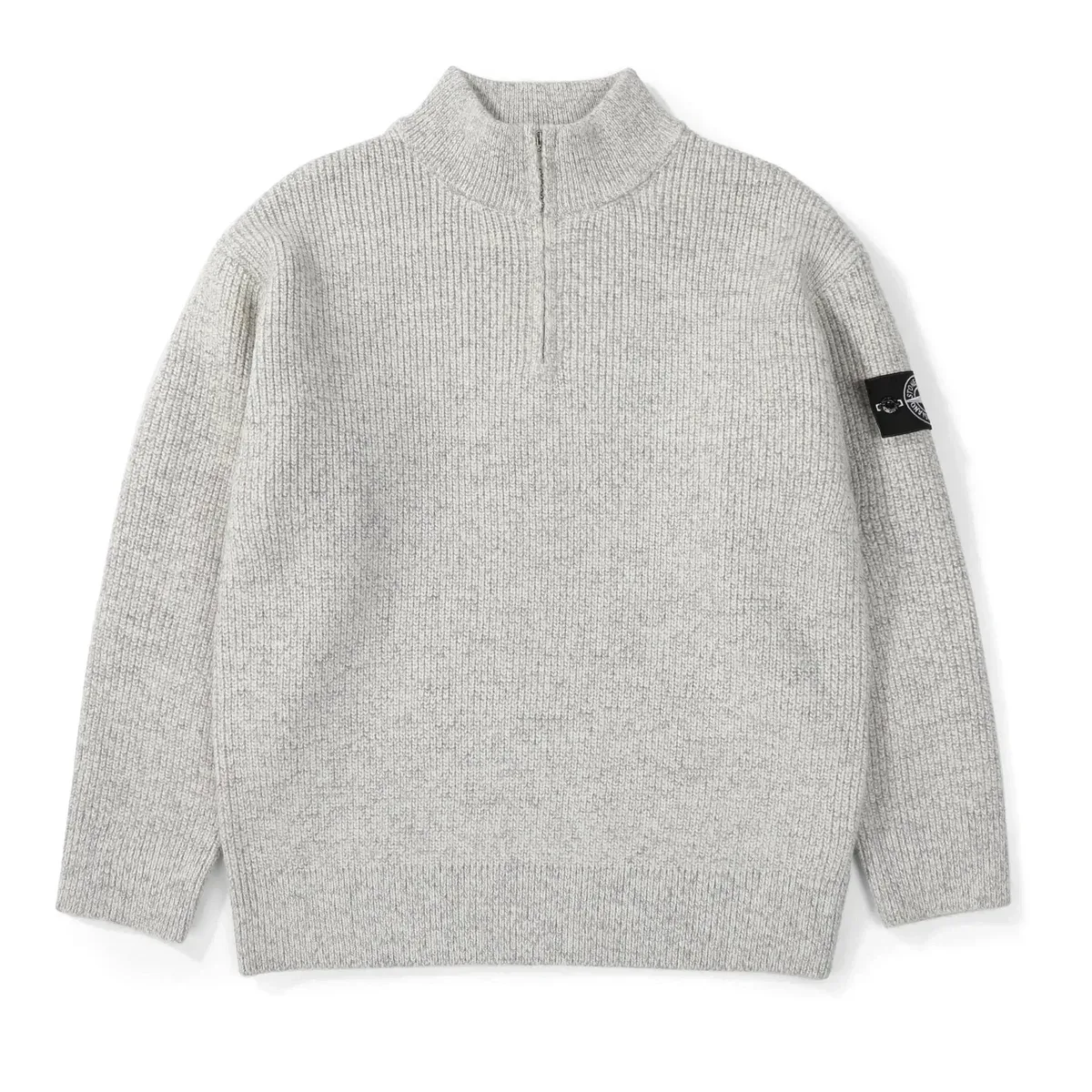
Grey ribbed half-zip sweater with sleeve badge detail, good for checking knit texture, zipper shape, and badge placement.
Stone Island half-zip sweater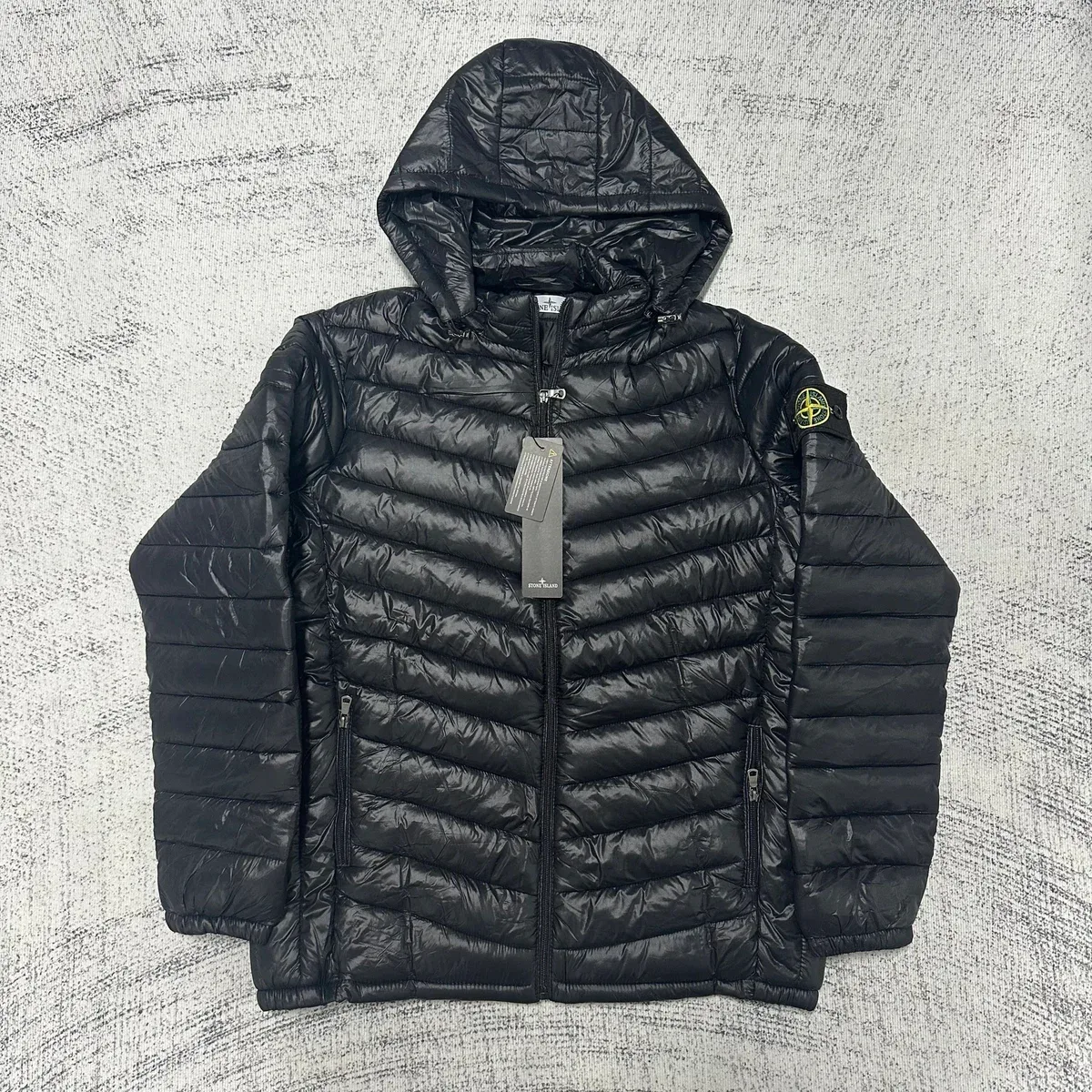
Black chevron-quilted hooded puffer with zip pockets and lightweight shell; compare filling, panels, and sleeve details.
Stone Island black puffer jacket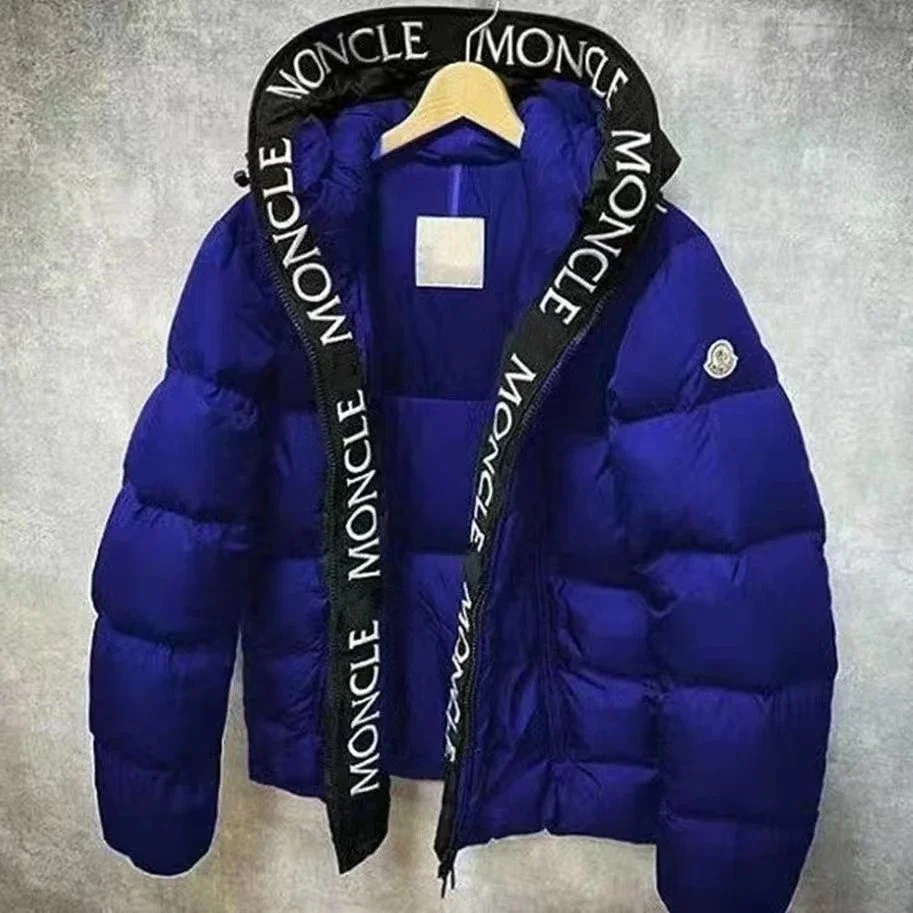
Blue Maya-style parka with hood trim and puffer silhouette; useful for logo, color, and insulation QC checks.
Moncler Maya blue parka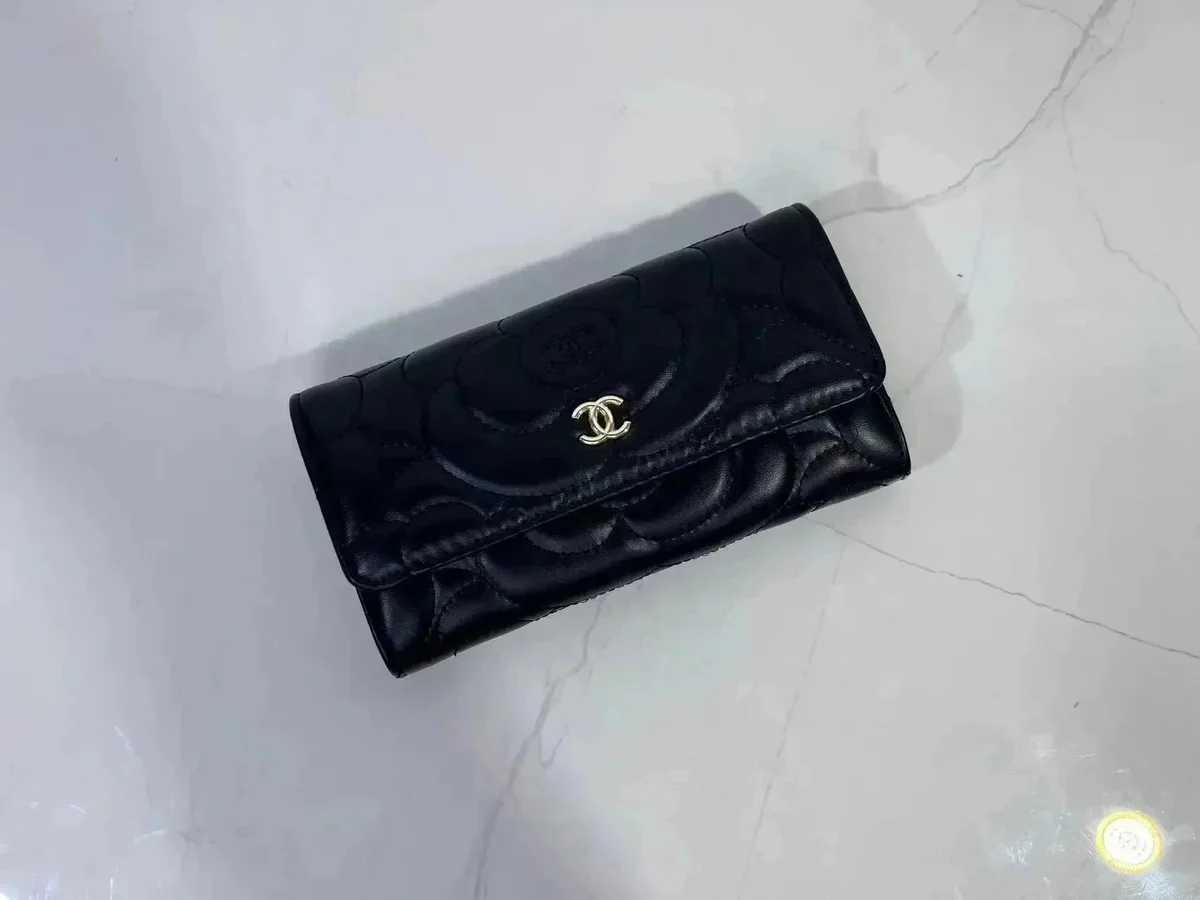
Black quilted wallet with gold-tone CC logo, where close-up QC should focus on stitching, texture, and hardware finish.
Chanel black wallet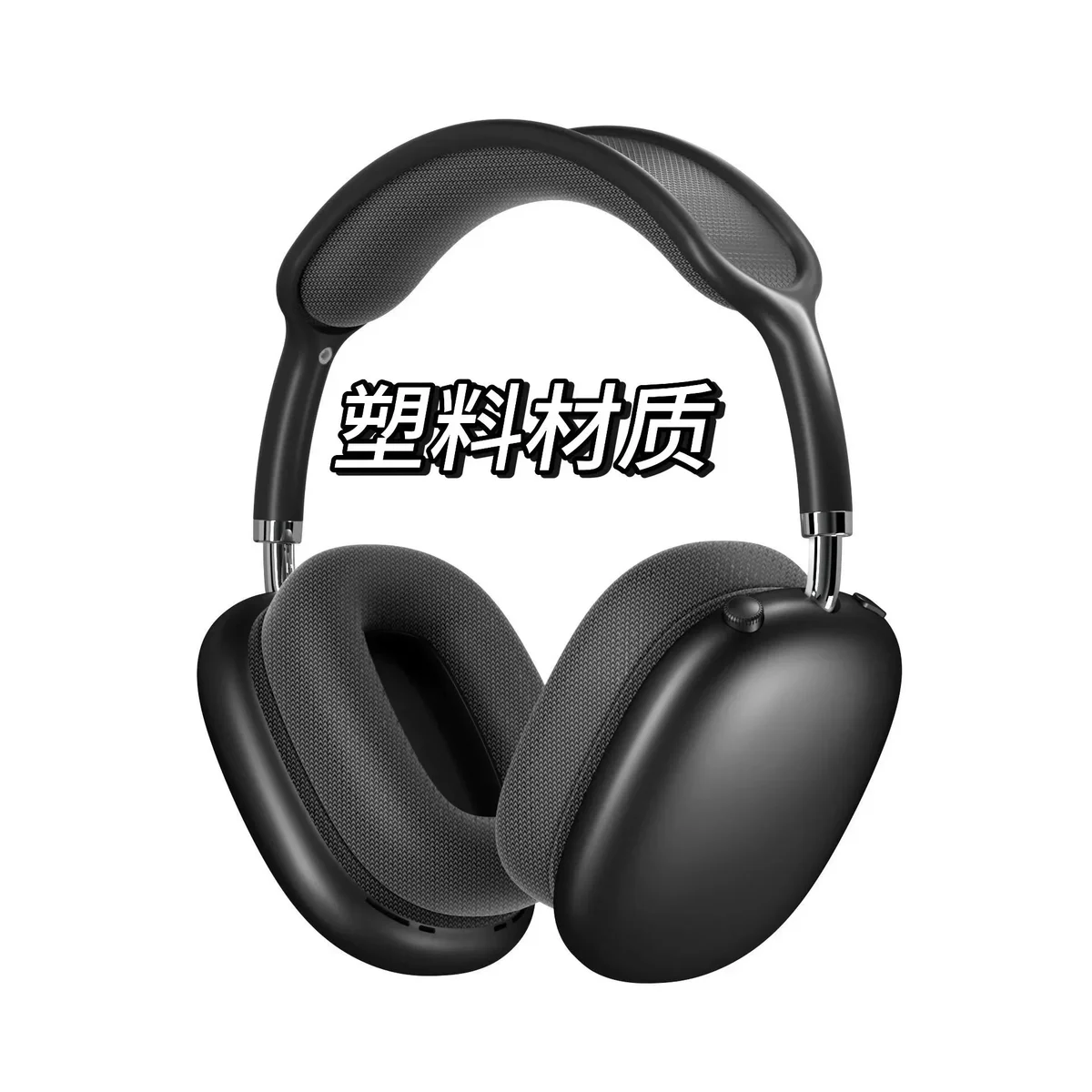
Black over-ear headphone find; confirm packaging, included parts, route restrictions, and electronics handling before shipping.
AirPods Max black headphonesUse this section as a spreadsheet checklist, not as a ranking. Public agent rules change often, so record each platform's supported marketplaces, QC photo policy, storage window, route limits, and shipping-estimate tools before ordering.
Track whether the current order flow supports the product link, QC photos, storage, returns, and your destination route.
Agent workflow guideCompare service fees, QC photo access, parcel rehearsal options, shipping lines, and restricted-item rules before checkout.
QC checklist guideFor any shopping-agent order, write clear item notes and check size, variant, warehouse photos, and parcel costs before approval.
Agent order guideSugargoo's public homepage describes Taobao-agent shopping and shipping from China, 200+ served countries, and 24/7 support.
Shipping estimate guideThe spreadsheet workflow often starts on marketplaces, then moves through an agent for purchase handling, QC, and shipping. Superbuy's public guide names Taobao, Tmall, and JD.com link submission, and notes that 1688 purchases can use different quality-control standards.
Public agent guides commonly support copied Taobao links; record seller, variant, size chart, domestic shipping, and return limits.
Taobao workflow guideSuperbuy's guide says shoppers can use Taobao, Tmall, or JD.com product links, so track the source marketplace in your sheet.
Marketplace FAQSuperbuy notes 1688 purchases may have different quality-control standards; treat supplier listings as higher-check items.
Marketplace FAQThe most reliable spreadsheet fields are not agent slogans. They are the operational steps that public agent documentation confirms: link submission, domestic purchase, warehouse inspection, storage, parcel submission, route selection, and final delivery.
Add these columns to any UUFinds spreadsheet workflow before ordering: product category, marketplace, seller name, item URL, selected variant, size chart, domestic shipping, agent used, QC photo status, warehouse storage deadline, estimated parcel weight, restricted-item risk, international route, insurance, and final tracking number.
Platform rules change. The workflow facts above are based on public pages from Superbuy's user guidance, Superbuy's help center, and Sugargoo's homepage. Verify the current agent's own help center before submitting a live order.
The UUFinds Spreadsheet is most useful when it turns scattered links into an order checklist. Start with a category, open a product search, compare multiple links, then record the facts that affect QC, shipping, and returns before ordering.
UUVault keeps the spreadsheet concept but makes it easier to scan: category cards, agent workflow guides, platform notes, source links, and direct product searches all live in one route, so each find can move from discovery to QC review without losing context.
A finds spreadsheet is an organized set of product links, categories, agents, and shopping notes that helps buyers research faster than browsing random listings.
No. UUVault is an independent discovery index. Orders, payments, returns, QC handling, and shipping depend on the platform or agent you use.
External search links help users compare live product results, while UUVault keeps agent, platform, QC, and shipping guidance on internal guide and FAQ pages. Source links are included only when they support factual workflow claims.